AIOU Assignment Submission on Aaghi LMS Portal 2024

Allama Iqbal Open University Islamabad issued assignment submission dates for Spring Semester 2024. All AIOU students are advised to submit their assignments online before the deadline.
If you are curious about AIOU assignment submission on Aaghi LMS portal, this article is for you. Here you will fully understand about AIOU online assignment submission on Aaghi Lms portal and much more.
There are 2 assignments of all subjects of AIOU and each assignment has 5 questions. You have to write the answers of these all 5 questions. AIOU accepts assignments in PDF and MS word format.
AIOU Assignment Submission on Aaghi LMS
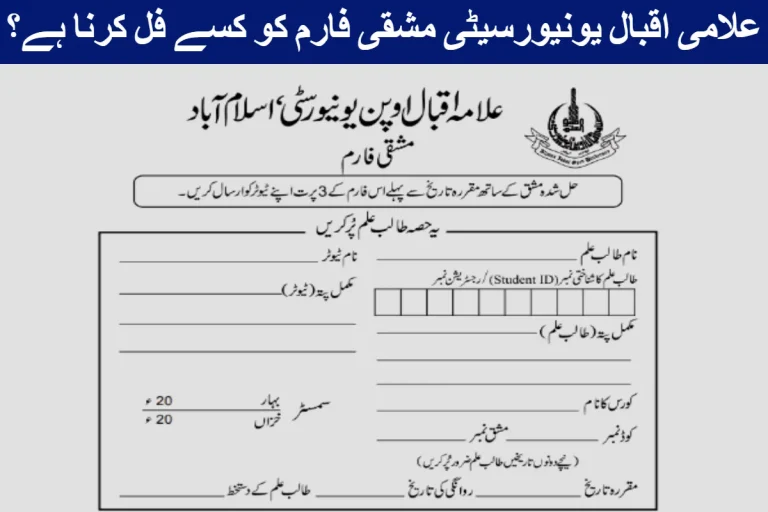
Allama Iqbal Open University Islamabad assignment submissions are started and the university accepts assignments online in pdf or word form.
The AIOU new students have many issues to submit their assignments on the LMS portal. If you have faced any issue regarding AIOU assignment submission, don’t worry, we will properly guide you in the following lines.
How to Submit AIOU Assignment
The AIOU assignment submission is easy, here is a simple step by step guide for you to submit your assignment. Make sure to submit your assignment before the deadline. Follow the following steps and submit your assignments online:

Login Your Account
First of all login your Aaghi LMS account provided to you by the university. If you didn’t receive your AIOU Aaghi LMS login details, contact the AIOU help desk or nearest regional office. Login your account and click on my courses.
Choose Your Course
When you click on courses, a new widow will be open for you. Then you have to click on the course code. There is one simple code and another one code for workshop, you have to click one accordingly.
Assignment button
When you click on the course code, a new window will open that will show two options as assignment 1 and assignment 2. You should click on assignment 1 or assignment 2 accordingly.
If you are submitting your 1st assignment, then click on assignment 1, for submitting of 2nd assignment, click on assignment 2.
Attach Assignment
After choosing the assignment option, a new page will be open for you. Here you have to attach an assignment in PDF format in the right file box. When you find the file box, click on the assignment file and locate your assignment file from your PC or laptop.
Make sure that your assignment file should be less than 5 MB, otherwise your assignment will not be uploaded on the Aaghi LMS portal.
Reconfirm and Final Submission
Make sure that you have chosen the right assignment file from your laptop for uploading. Finally, choose a file and click on the submission button, your assignment will be submitted in a few seconds.
Conclusion
AIOU accepts online assignments for Spring Semester 2024 in the PDF form and the assignment submission process is started. AIOU assignment submission is easy and all students can easily submit their assignments online on Aaghi LMS portal.
In the above article, we provide detailed information about the AIOU assignment submission process and we hope that now you will be able to submit your assignment easily.
Assignments are the important part of any degree of AIOU, And if you fail to submit the assignments, you can’t pass any degree in AIOU.
FAQs
What will happen if assignments are not submitted in AIOU?
The students who are unable to submit their assignments in AIOU are marked as failed.
How to submit an AIOU assignment?
Login your account in Aaghi LMS portal, follow a many steps and submit your assignment online.
As AIOU accepts assignments in PDF format?
Yes, AIOU accepts assignments in PDF format, prepare your assignment in PDF form and submit it before the deadline.